A digital menu board makes customers order when it can be read in a few seconds from the line: a few clear sections, a big photo of each best-seller, prices that are easy to find, and one featured item that stands out. Most boards fail because they try to show the whole menu at once. Plan each screen around one job, keep the lettering large, and let the food photos do the selling.
Here is how we think about TV menu boards when we design them for restaurants in New York, from the layout to what plays on each screen.
Start with what the board is for
A menu board has two jobs: help a first-time customer decide quickly, and point everyone toward the items you most want to sell. Regulars already know what they want. The person who just walked in off the avenue is looking up, scanning, and trying not to hold up the line. If they cannot find a category and a price in a few seconds, they order the safest thing on the menu, or they walk out.
So before anyone designs anything, decide which items you most want people to order: the ones you are known for and can make well at speed during a rush. Those are the ones that get the big photos and the best spot on the screen.
Layout rules that work
- Three or four sections per screen at most. Platters, wraps, sandwiches. Not every item in the kitchen.
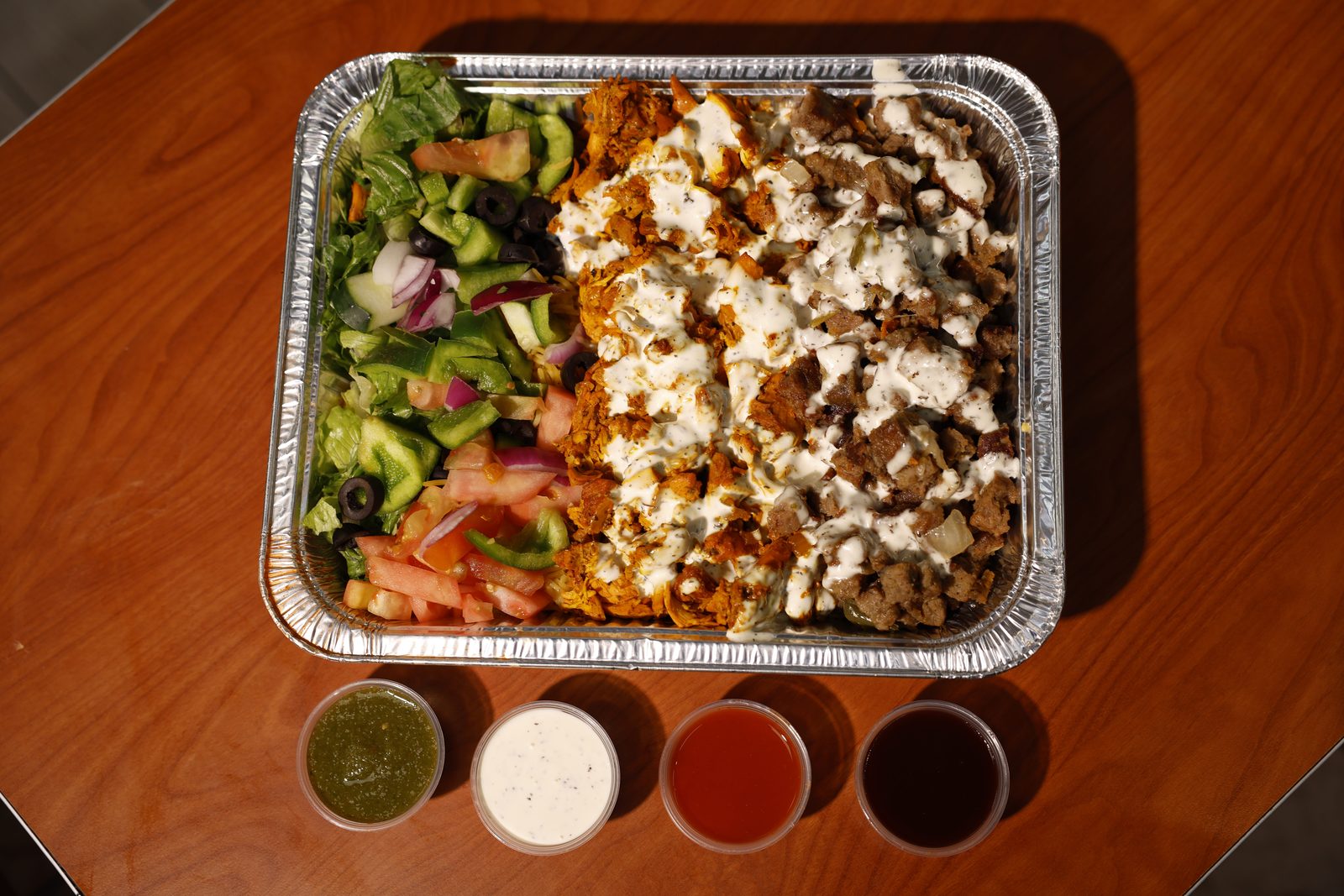
- One large photo per section, of your actual dish, shot well and lit brightly.
- Big, plain lettering. If you can't read it from the back of the line, it is too small.
- Prices right next to each item and lined up, so the eye can run straight down them.
- Strong contrast: dark text on a light background or the reverse. Never small text over a busy photo.
- Your logo, plus what makes you different (halal, open late, family recipes), in a strip at the top or bottom.
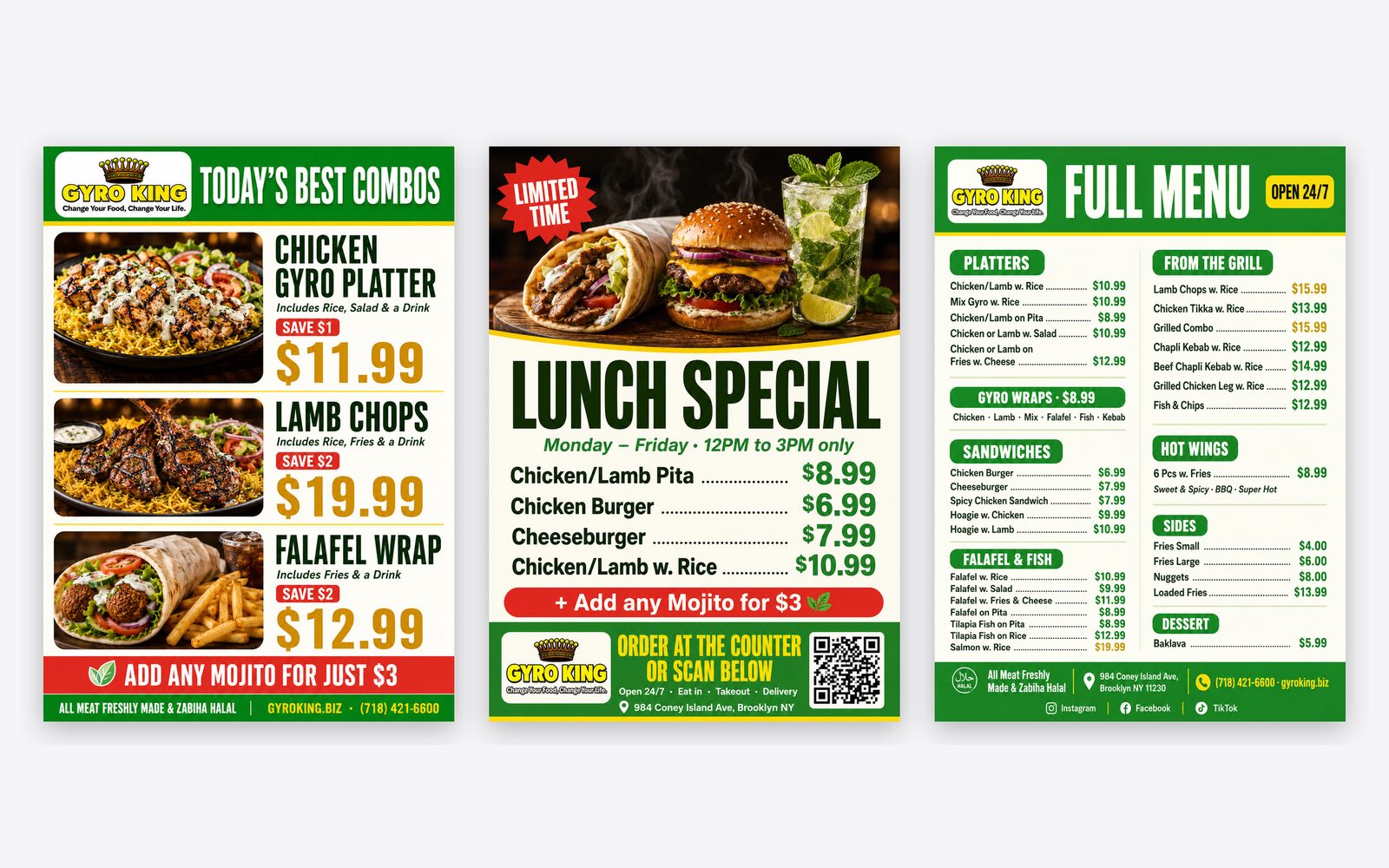
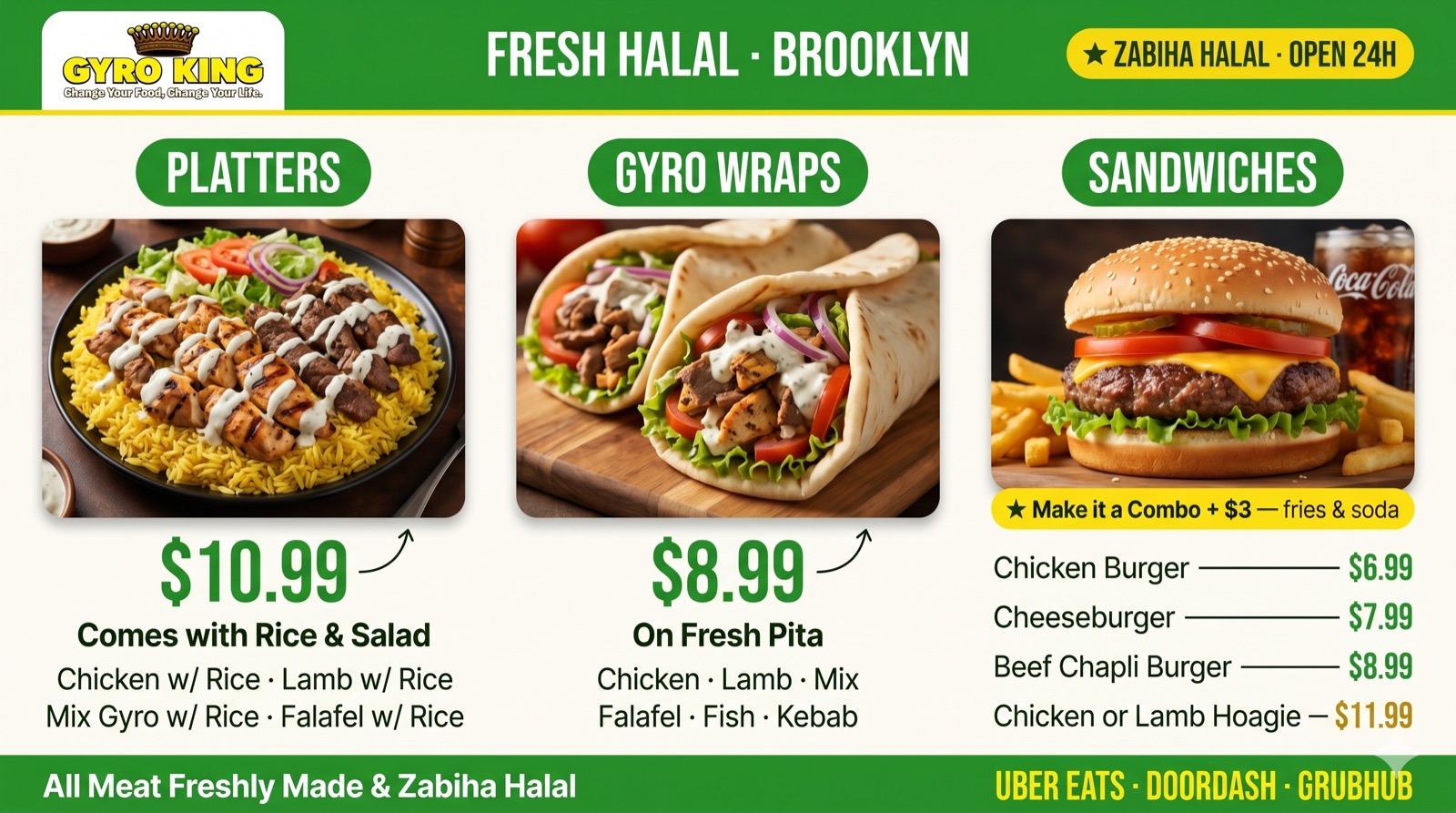
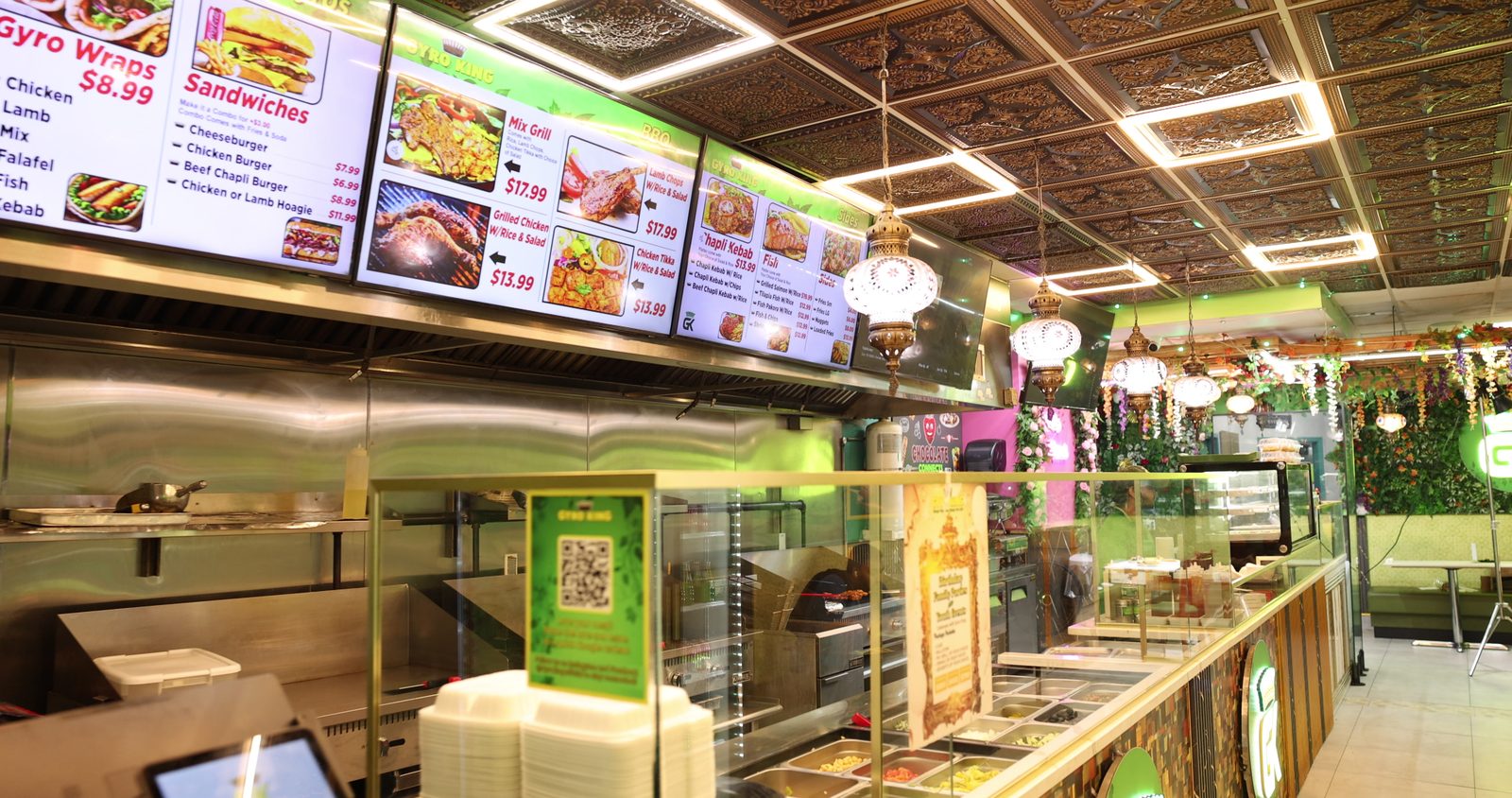
The board we designed for Gyro King in Brooklyn follows this pattern: three sections across one screen, a hero photo for each, the price in large type underneath, and a strip along the bottom saying the meat is zabiha halal and which delivery apps they are on. Those are the questions customers ask most, answered before they reach the counter.
Plan the screens as one set
Most counters have two to four screens side by side. Treat them as one board, read left to right in the order people actually order.
- 01
Screen one: your signature dishes
The best-sellers and the dishes you are known for, with the biggest photos. This is where most eyes land first.
- 02
Screen two: the rest of the mains
Wraps, sandwiches and grill items in clear groups, with smaller photos or none.
- 03
Screen three: sides, drinks and desserts
This is where add-ons get sold. Put combos and upgrades here, next to the items they go with.
- 04
Optional fourth screen: motion
A short loop of food being made, today's special or your catering trays. Movement pulls the eye, so give it one screen, not all of them.
Use motion carefully
The big advantage of a digital board over a printed one is that it can change. Use that, but sparingly. A slow rotation between a special and a menu panel works. Flashing screens, scrolling text and slideshows that hide prices while someone is reading do not. A customer in line should never have to wait for a slide to come back around to see what a platter costs.
Short clips from your reels or menu films work well on a single screen: steam coming off the grill, a wrap being rolled, a tray being filled. If you already film them for Instagram, the same clips can play above the counter.
Keep it accurate and switched on
- Update prices on the board the same day they change at the register. A mismatch at checkout loses trust fast.
- Take sold-out or discontinued items off the screen instead of leaving them up.
- If your menu changes through the day, schedule the switch so the lunch special isn't still showing at dinner.
- Look at every screen when you open. A screen stuck on a settings page, a media player menu or a blank display tells customers nobody is minding the store.
- Keep the board, table tents, flyers and online menu matching, with the same dish names, photos and prices.
If a customer can't find a price in a few seconds, the board isn't finished.
Digital or printed?
Digital boards make sense when your prices or specials change often, when you want to show video, or when you run different menus at different times of day. For a small menu that rarely changes, a well-designed printed board can do the job just as well. Plenty of restaurants mix the two: printed panels for the fixed menu and one screen for specials and food clips. The cost depends on how many screens you have and how much design and photography is involved, so it is worth planning the content before you buy hardware. Our pricing page is a good place to start, or get in touch and we will talk it through.