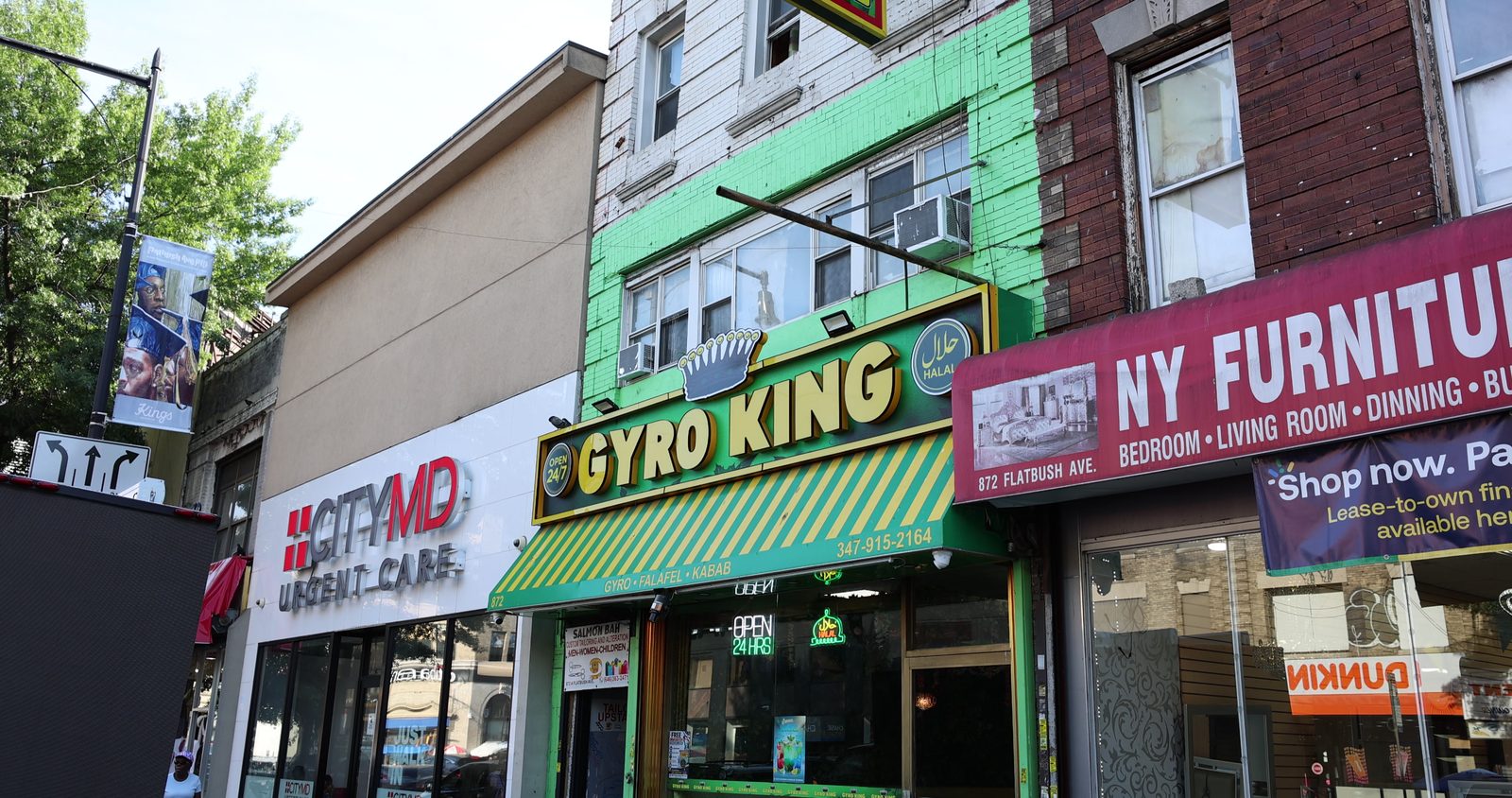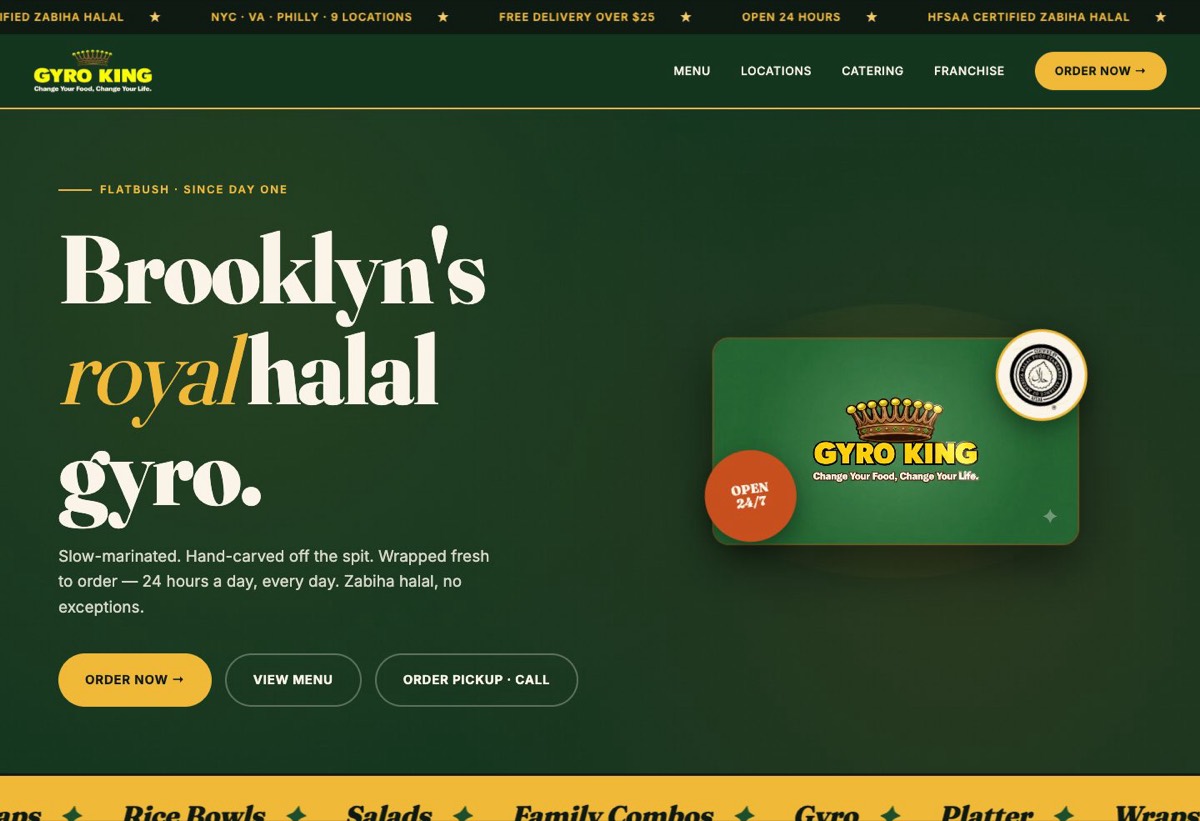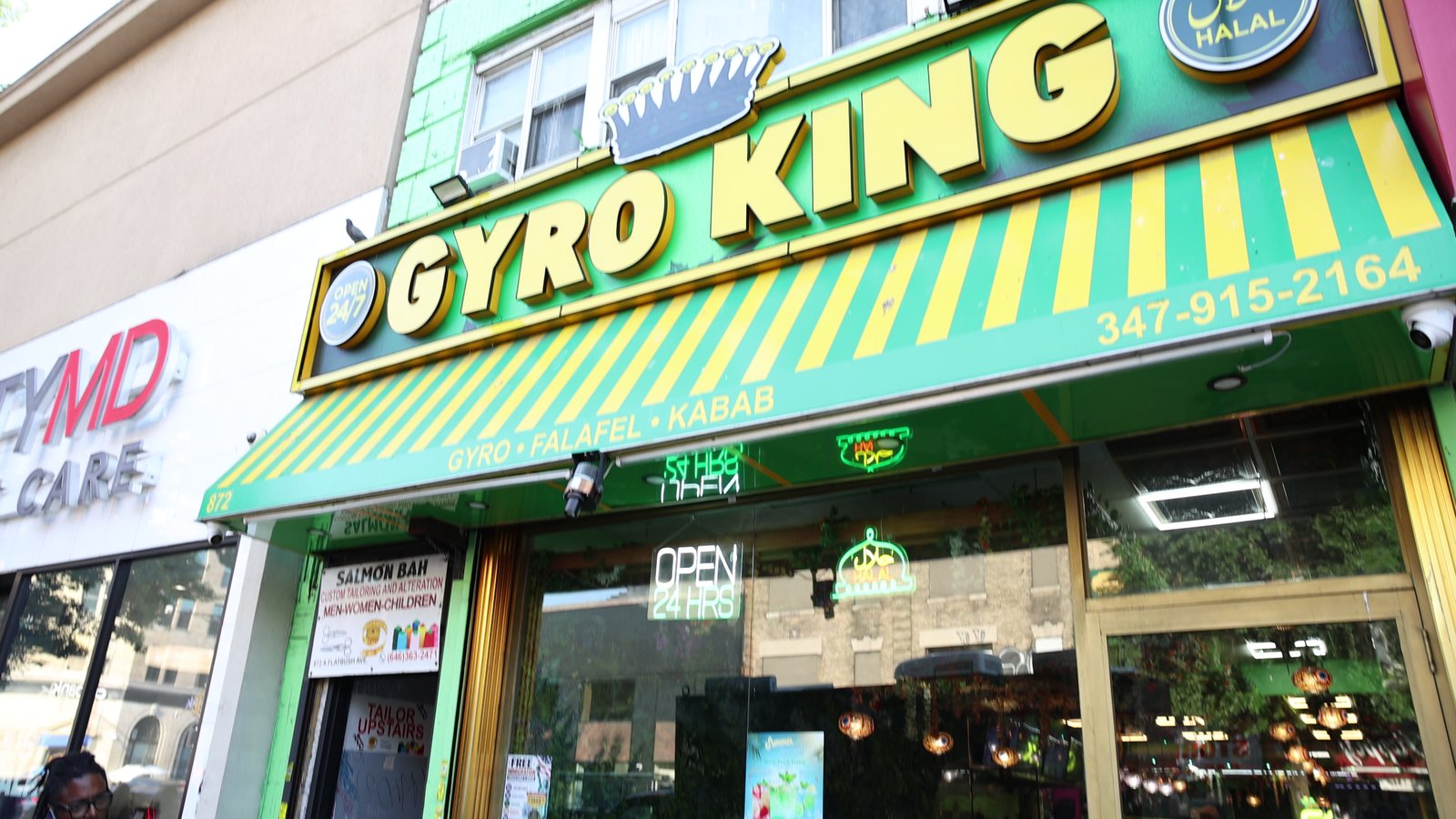
The Google Business Profile photos that get more calls are the ones that answer a customer's questions before they pick up the phone: what the outside looks like so they can find you, what the inside looks like so they know what to expect, what you actually sell, and who they will be dealing with. Upload a sharp storefront photo, three or four of the interior, your best products or dishes, and your team — taken in daylight, without filters — then keep adding new ones every month. Google itself says profiles with photos get more requests for directions and more clicks to their website.
Here is how to get each of those right, in the order we would do them.
Why photos decide who gets the call
When someone searches "pizza near me" or "hair braiding Brooklyn", they see three or four businesses side by side on the map. Reviews and distance matter, but the photos are what they look at first. A dark, blurry or years-old picture makes a good business look closed or careless. A bright, current one makes it look open, busy and worth the trip.
Customers can also upload photos to your profile. If you do not add your own, theirs become the face of your business — and they are usually taken at night, at an angle, on a phone.
The photos to upload first
- 01
Your logo and a cover photo
The logo should be the clean file, not a photo of your sign. The cover photo is the one Google often shows first — make it your best single image: the storefront or your signature product.
- 02
The outside, from the street
Shot straight on in daylight, with the sign readable and the door visible. Add one from down the block so people can recognise the building as they walk up. This is the photo that stops "I couldn't find you" calls.
- 03
The inside
Three or four wide shots from the doorway and the corners: the counter, the seating, the chairs, the waiting area. People want to know if it is somewhere they will feel comfortable before they come.
- 04
What you sell
Your best-selling dishes, products or finished work — each one on its own, well lit, filling the frame. For a salon, finished styles. For a shop, the products people ask about. For a restaurant, the plates on your menu.
- 05
Your team at work
A friendly photo of the owner and staff doing what they do. For service businesses especially, people call the person, not the logo.
What makes a profile photo good
- Daylight or bright, even light. Turn the lights on and open the blinds.
- Sharp and steady — wipe the lens and hold still, or use a tripod.
- No filters, stickers or text over the picture. Google's guidelines ask for photos that show the business as it is.
- Current. If you renovated, changed the menu or moved, replace the old photos.
- Horizontal for the storefront and interior; close and square-friendly for products, since Google crops them into tiles.
- Your own photos only. Stock images make a profile feel fake, and they do nothing for the customer.
Add short videos too
Profiles accept short videos, and a fifteen to thirty second clip of the place in action — food being made, a haircut being finished, a walk from the door to the counter — gives people a feel for the business that photos cannot. If you already make reels for Instagram, the same clips can go on your profile.
Keep it fresh every month
A profile that was last updated two years ago looks like a business that may not be open. Add a few new photos every month: a new item, a seasonal display, a busy Saturday, the team at an event. It takes ten minutes and keeps your profile current every time someone finds you.
Your Google profile is often the first time a customer sees your business. Make sure it looks like the business they will walk into.
Then make it easy to act
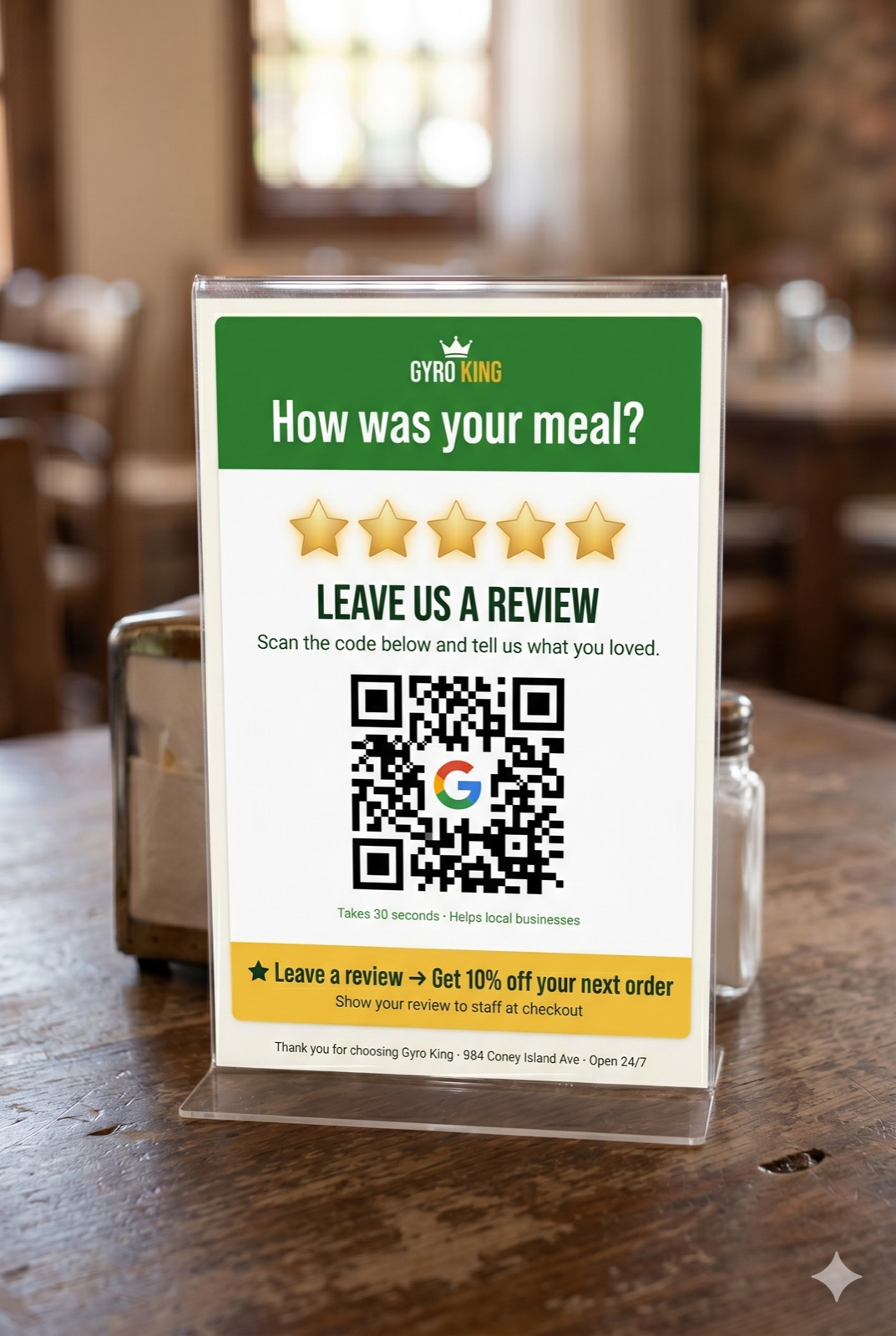
Good photos earn the click; the rest of the profile turns it into a call. Check that your phone number, hours, address and website are right, pick the most specific category for your business, and answer reviews — good and bad — politely and quickly. Asking happy customers for a review at the counter, with a card or stand that links straight to your profile, keeps new reviews and new customer photos coming in.